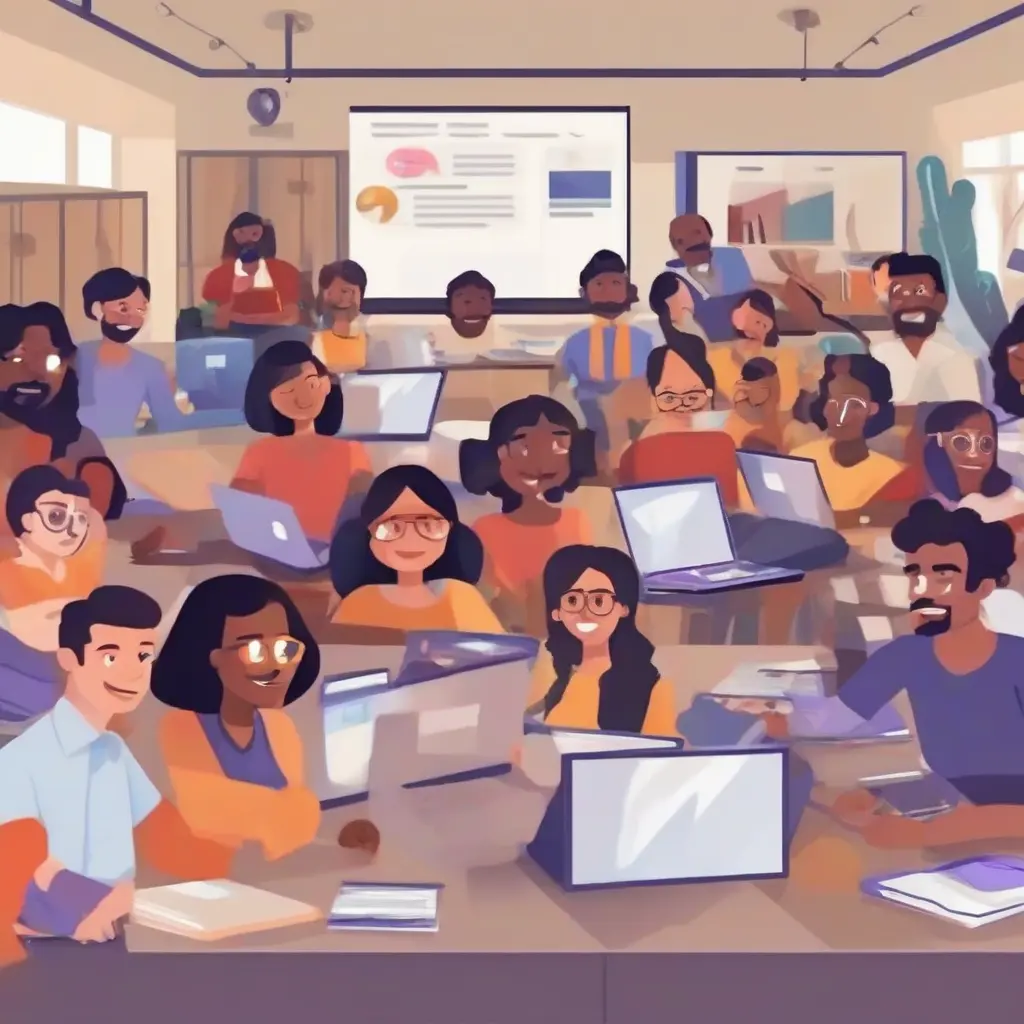
Creating a virtual classroom environment is essential for modern education, especially as many educators transition to online platforms. Microsoft Teams offers a versatile and user-friendly interface for Indian teachers looking to engage their students in a remote setting. This guide will explore the steps to effectively use MS Teams, from setting up the platform to maximizing its features for interactive learning. With a focus on providing valuable tips and insights, this article will help educators navigate the complexities of online teaching.
Understanding Microsoft Teams and Its Features
Microsoft Teams is a collaborative workspace that integrates various tools to facilitate communication and teamwork. For educators, its features include chat functions, file sharing, and video conferencing. The platform allows teachers to create class teams, where they can assign tasks, share resources, and conduct live sessions. This functionality is particularly beneficial in the Indian education context, where classrooms can become more interactive and organized through online collaboration. Teachers can also record lessons for later review, enhancing the learning experience.
Setting Up Your Microsoft Teams Account
To start using Microsoft Teams, you need to sign up for an account or log in with an existing one. Indian teachers often use their institutional email addresses for this purpose. After signing in, navigate to the ‘Teams’ section, where you can create a new team specifically for your class. Be sure to set clear permissions for members to ensure a structured environment. Teachers can customize the team name and add an engaging description to make the classroom more inviting for students, promoting a sense of community from the outset.
Creating Engaging Class Teams
Creating class teams in Microsoft Teams involves defining the purpose and setting guidelines for interaction. Educators can create channels within a team to organize discussions around specific subjects or projects. This organization helps maintain focus and engagement among students. Additionally, teachers can invite students, and by allowing only monitored access, they can ensure a safe learning environment. Educators may also use emojis and GIFs to make channels visually appealing, fostering a more interactive and welcoming atmosphere for learners.
Scheduling and Conducting Live Classes
Scheduling live classes in Microsoft Teams is straightforward and convenient. Teachers can use the ‘Calendar’ feature for scheduling sessions and sending invites to students. By including a clear agenda in the invitation, students will know what to expect, ensuring better preparation. During live sessions, teachers can utilize breakout rooms for group work, allowing students to collaborate effectively. This interactive approach encourages participation, making classes more dynamic and engaging while meeting the varied learning needs of students.
Utilizing Assignments and Grading Tools
Microsoft Teams offers robust tools for assigning tasks and grading student work. Teachers can create assignments within the ‘Assignments’ tab, allowing for efficient management and tracking of student submissions. Each assignment can include due dates, instructions, and files. Teachers can also provide timely feedback directly in the platform, facilitating ongoing communication. This systematic approach helps students stay organized and aware of their progress, ultimately enhancing their learning experience and motivation.
Encouraging Student Interaction and Collaboration
Promoting interaction among students is vital for a successful virtual classroom. Microsoft Teams provides various tools such as chats, polls, and discussion boards to foster communication. Facilitating group discussions or peer reviews within channels encourages collaboration and helps build a sense of belonging. Teachers can initiate icebreakers or fun activities to initiate conversations, making students feel more connected. These interactive elements are essential in creating an inclusive environment that supports diverse learners.
Incorporating Multimedia Resources
Integrating multimedia resources into lessons can enrich the virtual classroom experience. Microsoft Teams allows teachers to share video files, presentations, and educational links seamlessly. By using tools like Whiteboard and PowerPoint Live, teachers can create dynamic, visually appealing lessons that cater to different learning styles. Furthermore, incorporating educational videos can supplement traditional teaching methods, making content more relatable. This multi-faceted approach not only captures students’ interests but also enhances their understanding of complex concepts.
Ensuring Data Privacy and Security
Data privacy and security are crucial, especially when dealing with minors in an online learning environment. Microsoft Teams has built-in security features that help protect information. As a teacher, familiarize yourself with the privacy settings to control who can access content and participate in discussions. Implementing guidelines for responsible use can help maintain a secure classroom atmosphere. Additionally, regularly reminding students about the importance of online safety and respectful behavior can further enhance the protective measures in place.
Ongoing Training and Support for Educators
For educators to be successful in using Microsoft Teams, ongoing training and support are essential. Schools can provide professional development opportunities focused on the platform’s features and effective online teaching strategies. Many online resources, webinars, and communities are available that offer tips, best practices, and troubleshooting advice. Participating in these can significantly enhance teachers’ confidence and skills, enabling them to provide a more effective learning environment for their students while adapting to new educational technologies.
Conclusion
Creating a virtual classroom using Microsoft Teams can significantly enhance the teaching and learning experience for Indian educators and their students. By understanding the platform’s features, engaging students, and ensuring a safe environment, teachers can successfully transition into online education. The commitment to continuous improvement and adaptation in teaching methods will further enhance the effectiveness of virtual classrooms. With the right tools and approaches, teachers can foster a dynamic and interactive learning atmosphere that supports all students.