

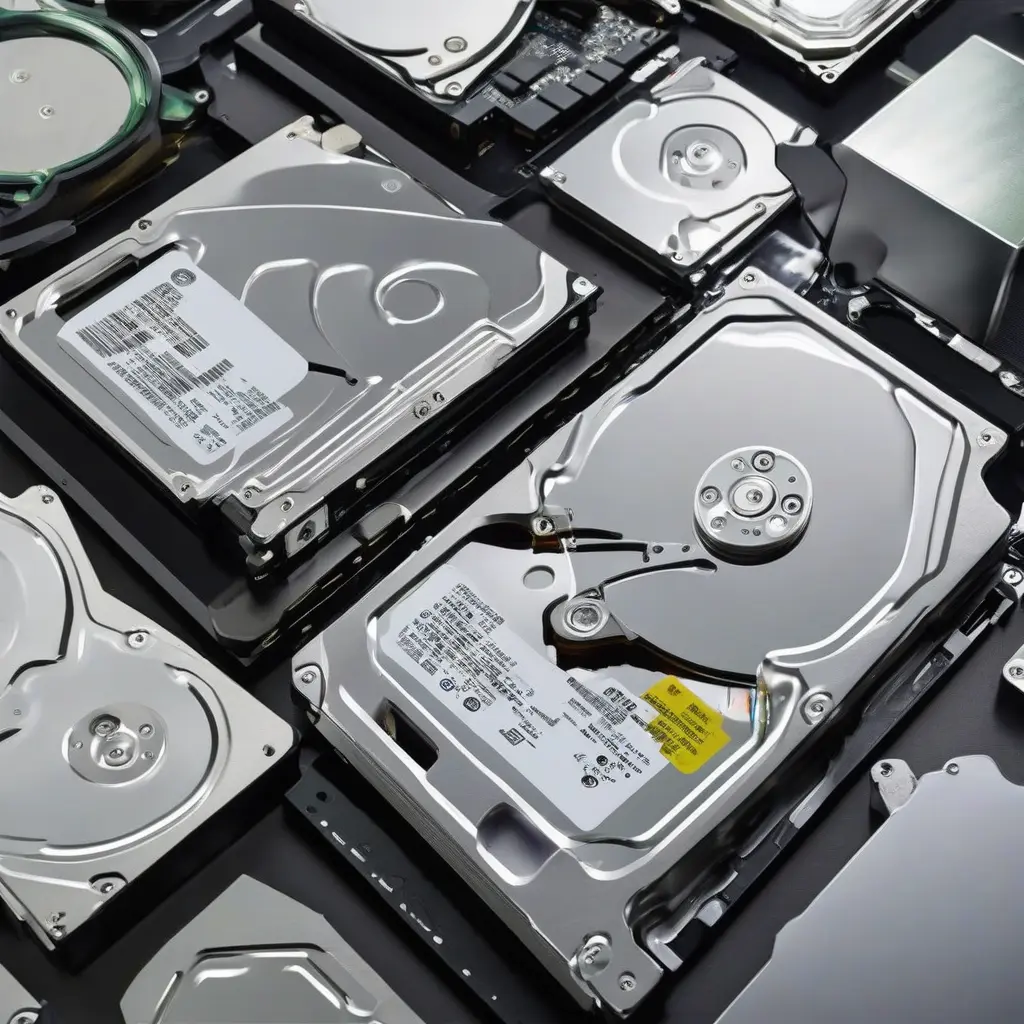
When choosing the right storage solution, understanding the differences between flash storage and hard disk drives (HDD) is crucial. Flash storage, often seen in SSDs, offers faster access speeds and reliability, while HDDs may provide better value for larger capacities. Each option has its unique set of attributes, making them suitable for different use cases. This article delves into the features, advantages, and disadvantages of each type to help you determine which storage solution best fits your individual needs.
What is Flash Storage?
Flash storage, primarily used in solid-state drives (SSDs), utilizes NAND technology to store data. Unlike traditional drives, flash storage has no moving mechanical parts, allowing for quicker access times and improved durability. This type of storage can read and write data much faster than HDDs, significantly enhancing system performance. It’s particularly beneficial for applications requiring rapid data retrieval, such as gaming, video editing, and operating systems. While flash storage typically comes at a higher cost per gigabyte, the benefits it offers often justify the investment.
What is HDD?
Hard disk drives (HDDs) store data on magnetic spinning disks, which provide large amounts of storage at a relatively low cost. These mechanical drives use read/write heads to access data, which can result in slower speeds compared to flash storage options. However, HDDs are ideal for archiving large quantities of data, such as photos, videos, and documents, due to their affordability and capacity. They are commonly found in personal computers, servers, and external storage devices, catering to users who prioritize storage space over speed.
Speed: Flash Storage vs. HDD
One of the most significant differences between flash storage and HDDs is speed. Flash storage allows data to be accessed almost instantly, with read and write times vastly outperforming HDDs. This increased speed translates to quicker boot times, faster file transfers, and improved application loading times. In contrast, HDDs tend to have longer access times due to their mechanical components, making them less effective for high-performance needs. For users who require speed, flash storage is the clear choice.
Durability: Which is More Reliable?
Durability is another crucial factor to consider when comparing flash storage and HDDs. Flash storage’s lack of moving parts makes it more resistant to shock and drop damage, leading to a higher overall reliability rating. This feature is especially vital for users on the go or in high-traffic environments. In contrast, the mechanical components of HDDs make them more susceptible to failure due to physical stress. For those who prioritize reliability, especially in mobile situations, flash storage has a significant advantage.
Capacity: Storage Needs and Options
When it comes to capacity, HDDs frequently outperform flash storage. While flash drives have become available in larger sizes over the years, HDDs can offer terabytes of storage at a relatively low cost. Users looking to store substantial amounts of data without breaking the bank may find HDDs to be the more economical choice. However, it’s important to note that flash storage is becoming increasingly available in larger capacities, though generally at higher price points. Therefore, understanding your storage needs is essential when selecting between the two.
Price Considerations: Cost-Effectiveness of Each Type
Pricing is a significant factor when deciding between flash storage and HDDs. Flash storage generally carries a higher price per gigabyte due to its advanced technology and faster performance capabilities. However, the cost is gradually decreasing as production methods improve. On the other hand, HDDs provide a lower-cost solution for those needing ample storage but may lack in speed and longevity. For budget-conscious users, HDDs present an attractive option, while those willing to invest more for speed and reliability may lean towards flash storage.
Use Cases for Flash Storage
Flash storage shines in scenarios requiring speed and efficiency. Gamers, graphic designers, and video editors benefit significantly from its quick load times and reliable performance. It’s also ideal for business environments where quick access to data enhances productivity. Flash storage is often employed in laptops, tablets, and smartphones, catering to modern demands for portability and speed. Users involved in intensive tasks or who require agile responses from their devices will find flash storage particularly advantageous.
Use Cases for HDD
HDDs are best suited for users who require substantial storage capacity without a hefty investment. They are commonly used for desktop computers, backup solutions, and media storage. Users who need to archive large volumes of data, such as photographic libraries or extensive video files, will find HDDs more cost-effective. Even in a world moving towards faster storage solutions, the HDD remains relevant for many common household and business applications where speed is less of a concern.
Combining Flash Storage with HDD: Hybrid Solutions
An increasingly popular option is the combination of flash storage and HDD in hybrid systems. These setups leverage the speed of flash drives for the operating system and frequently used applications, while using HDDs for bulk data storage. This approach offers the benefits of both worlds—rapid access times without sacrificing large storage capacity. Hybrid drives are especially effective for users who require a balance between performance and affordability. These configurations can enhance user experience while optimizing costs.
Conclusion
Choosing between flash storage and HDD depends on your specific storage needs and usage scenarios. Flash storage offers superior speed and durability, making it ideal for high-performance tasks, while HDDs provide ample storage at a lower cost for bulk data archiving. Consider key factors like price, capacity, and intended use when making your decision. Understanding these differences will help you select the most suitable storage solution tailored to your unique requirements.







