

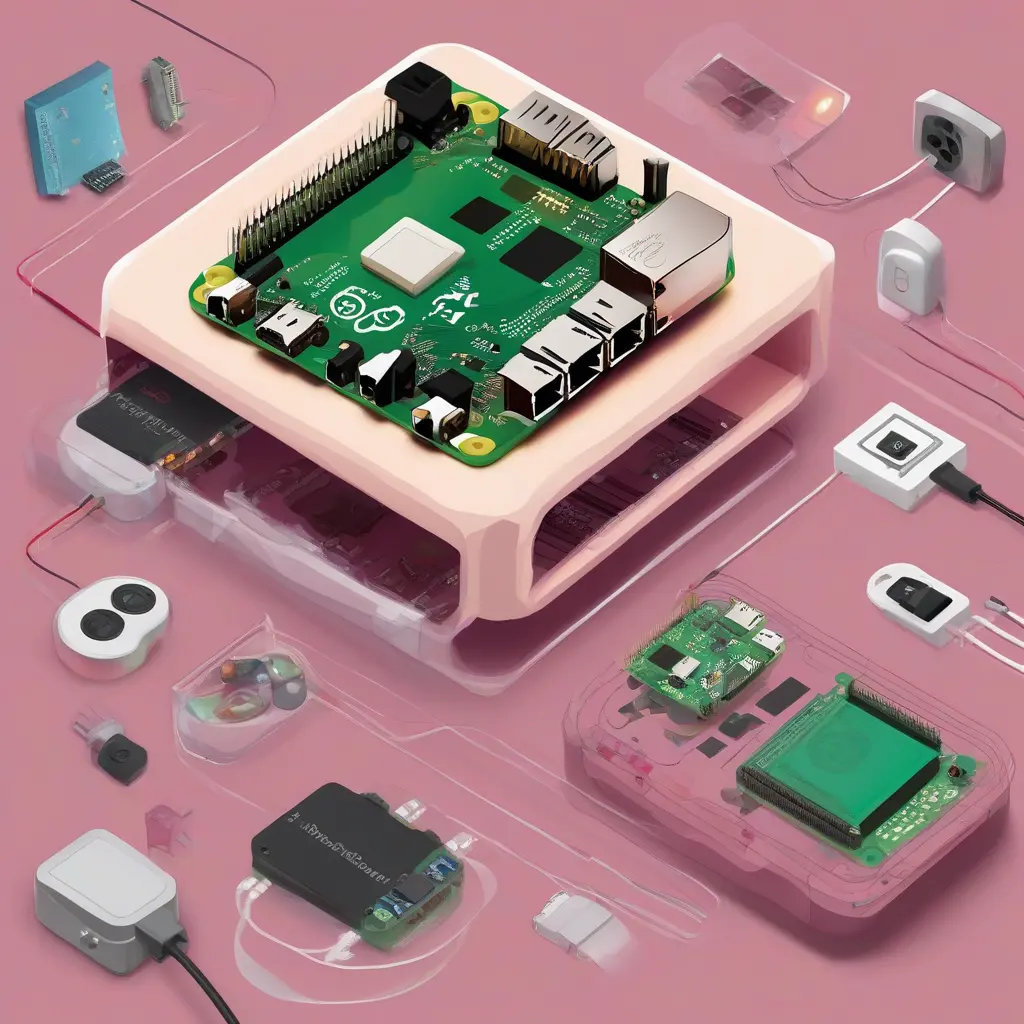
Setting up a Raspberry Pi for home automation can transform your living space into a smart environment. This guide provides a comprehensive walkthrough, from initial setup to automating various home devices. We’ll cover everything from choosing the right Raspberry Pi model to installing essential software, configuring services, and using automation tools. Whether you are a beginner or have some experience, this guide is designed to help you efficiently achieve your home automation goals.
Choosing the Right Raspberry Pi Model
Selecting the appropriate Raspberry Pi model is crucial for your home automation project. The Raspberry Pi 4 Model B is recommended due to its enhanced processing power and memory options, supporting multiple tasks effortlessly. Depending on your needs, models like the Raspberry Pi Zero W are more compact and suitable for single automation tasks. Consider your budget, space, and the intended complexity of your home automation system before making a decision.
Gathering Essential Components
To get started with your Raspberry Pi for home automation, you’ll need several essential components. These include a Raspberry Pi board, a microSD card (at least 16GB), a power supply, and an HDMI cable if you wish to connect it to a monitor. Additionally, having a USB keyboard and mouse during the setup phase can simplify the initial configuration. For automation, consider sensors, relays, or smart plugs that you plan to integrate with your Raspberry Pi.
Installing the Operating System
The first step after gathering your components is installing an operating system on your Raspberry Pi. Raspberry Pi OS is a popular choice, providing a user-friendly interface. To install it, download the Raspberry Pi Imager software, select the operating system, and write it to the microSD card. Once the card is prepared, insert it into the Raspberry Pi, connect your peripherals, and power it on to complete the setup process.
Connecting the Raspberry Pi to the Internet
For home automation, a reliable internet connection is essential. You can connect your Raspberry Pi to the internet via Wi-Fi or an Ethernet cable, depending on your preference. For Wi-Fi, select your network during the setup process and enter the password. If you opt for Ethernet, simply plug in the cable. Ensuring a stable connection helps in managing and controlling your home automation devices remotely.
Installing Home Automation Software
Once your Raspberry Pi is up and running, it’s time to install home automation software. Platforms like Home Assistant and OpenHAB are excellent choices, offering vast customization options. These applications allow you to monitor and control various devices through a unified interface. Install the preferred software by following the documentation provided on their official websites for a seamless installation process.
Configuring Home Automation Services
After installing home automation software, configure the services to recognize your devices. This process typically involves adding integrations for smart devices like smart bulbs, thermostats, or security cameras. Most home automation platforms provide user-friendly wizards or guides to assist in this setup. Make sure to test connectivity and functionality after configuration to ensure everything operates smoothly.
Creating Automation Scripts
To maximize your home automation capabilities, creating automation scripts is crucial. These scripts can turn devices on or off based on triggers like time of day, motion detection, or sensor readings. Most platforms offer straightforward template options to help create these scripts without extensive programming knowledge. Experimenting with different scenarios can lead to a more responsive and harmonious smart home environment.
Integrating Voice Control
Voice control adds convenience to your home automation experience. By integrating services like Amazon Alexa or Google Assistant, you can control devices with simple voice commands. Make sure to enable the relevant integration within your home automation software and connect it to your smart devices. Voice control simplifies daily tasks and enhances the overall efficiency of your automated home.
Monitoring and Maintenance
Regular monitoring and maintenance are key to ensuring the longevity and performance of your home automation system. Keep your Raspberry Pi updated by regularly checking for software updates and security patches. Additionally, monitor the performance of your automations and devices, troubleshooting any connectivity issues. Establishing a maintenance routine will help you fix any problems quickly and optimize your home automation experience.
Exploring Advanced Automation Techniques
As you become more comfortable with basic automation, consider exploring advanced techniques. Using sensors, geofencing, and even machine learning can significantly enhance your home automation capabilities. Implementing these advanced options can help in creating a truly smart home that adapts to your lifestyle and needs. Research different methods and integrate them into your system to personalize and upgrade your home environment.
Expanding Your Home Automation System
Once you have a solid foundation in place, you can expand your home automation system to include a wider range of devices and functionalities. This may involve adding additional sensors, lights, or even entire subsystems such as security cameras and environmental monitoring systems. Evaluate your needs and pace your expansion to ensure that your Raspberry Pi can handle the additional load without compromising performance.
Conclusion
Setting up and using your first Raspberry Pi for home automation is a rewarding journey that can greatly enhance your living space. As you explore various configurations and automations, remember to prioritize security and performance. Staying informed about updates and new devices will allow you to continually enhance your home automation system, making it a more efficient and enjoyable environment.







