

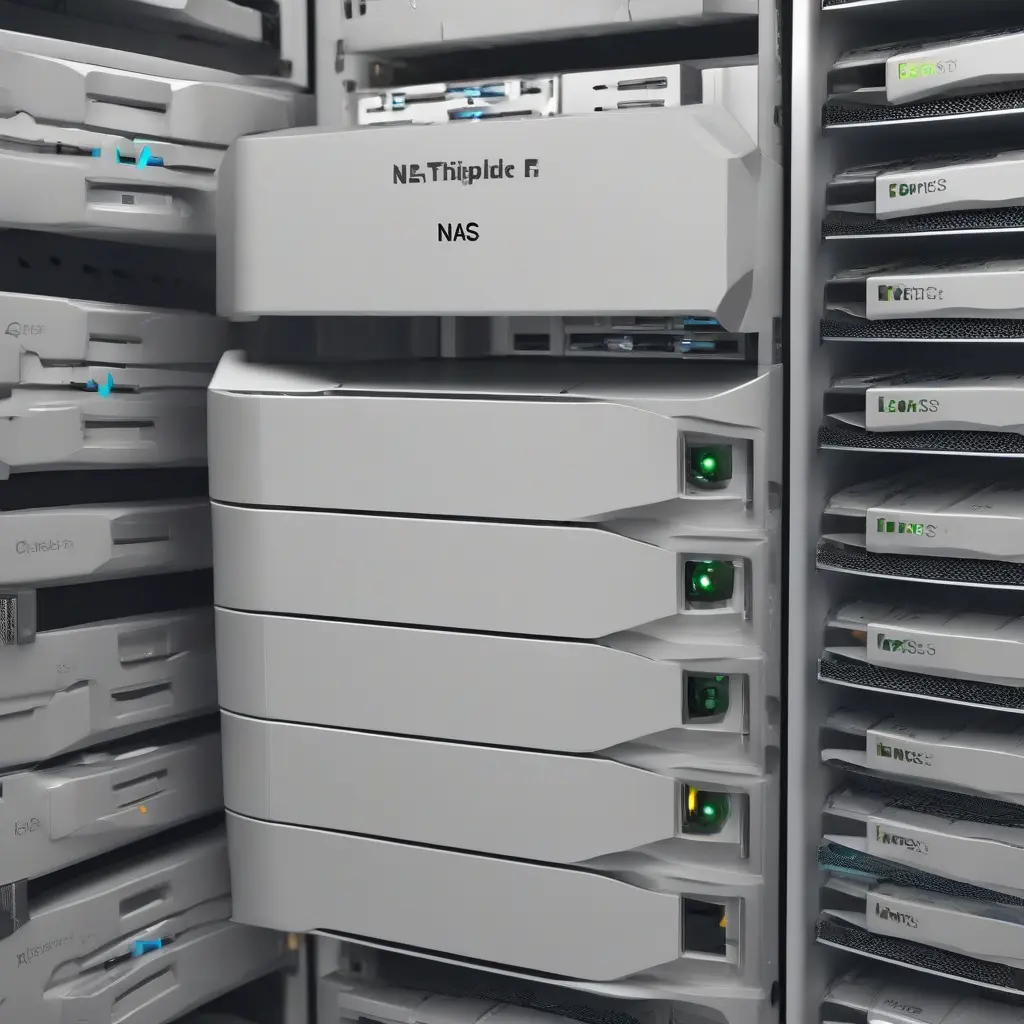
Network Attached Storage (NAS) systems have become an essential component for home users looking to enhance their data management capabilities. By centralizing storage and allowing multiple devices to access files simultaneously, NAS provides a cost-effective solution for media storage, backup, and file sharing. This article will explore the core functionalities of NAS, its key benefits, and the various use cases that make it an attractive option for families, home offices, and tech enthusiasts alike.
What is Network Attached Storage (NAS)?
Network Attached Storage (NAS) is a dedicated file storage system that connects to a network, allowing users to store and access data from multiple devices seamlessly. Unlike traditional external hard drives, which require direct connection to a computer, NAS operates independently, functioning like a mini server. Users access the data over Wi-Fi or Ethernet, making it especially convenient for homes with various devices like PCs, smartphones, and tablets. This flexibility facilitates efficient data management, ensuring that files are available to authorized users whenever needed.
Benefits of Using NAS for Home Users
One of the standout features of NAS is its ability to provide centralized storage that multiple users can access simultaneously. This not only streamlines file sharing but also minimizes the risk of data loss by creating automatic backups of important documents and media. Furthermore, NAS devices often come with features such as file versioning and cloud integration, allowing for effortless collaboration within a household. These benefits make NAS an appealing choice for families who want to safeguard their digital assets while ensuring easy access across different devices.
Data Backup and Recovery
Data backup and recovery is a critical function of NAS systems for home users. With built-in redundancy features, NAS units can be configured to automatically back up files from connected devices, safeguarding data against accidental deletions or hardware failures. Users can schedule regular backups, ensuring that their important documents, photos, and videos are safely stored without manual intervention. Should data loss occur, recovery options allow users to restore lost files quickly, making NAS a reliable solution for maintaining peace of mind regarding data integrity.
Media Streaming Capabilities
For media enthusiasts, NAS offers excellent streaming capabilities that enhance entertainment experiences at home. Many NAS devices support various media formats and can be combined with applications that allow users to stream movies, music, and photos directly to smart TVs, gaming consoles, or mobile devices. This feature eliminates the need for physical media or separate streaming devices. Additionally, users can create their own media library, organize content efficiently, and access it from anywhere within their home network, enriching the home entertainment ecosystem.
Enhanced Security Features
Security is a paramount consideration for home users, especially in an era where data breaches are common. Many NAS units come with robust security features, including user authentication, encrypted access, and configurable permissions. This ensures that only authorized users can access sensitive data, reducing the risk of unauthorized access or data leaks. Additionally, some NAS devices offer built-in antivirus and malware protection, providing an extra layer of security against potential threats. These features make NAS a smart choice for users prioritizing the safety of their digital assets.
Collaboration and File Sharing
NAS systems facilitate efficient collaboration among household members, making it easier to share files and work on projects together. With features like shared folders and supported software applications, users can collaborate on documents in real-time, regardless of their physical location. This is particularly beneficial for families and home-based professionals who need to juggle multiple projects simultaneously. By centralizing shared resources, NAS enhances teamwork and minimizes communication gaps, creating a more productive environment at home.
Cost-Effectiveness of NAS Solutions
Investing in a NAS can be more cost-effective compared to traditional storage solutions, particularly over time. While the initial cost of a NAS unit may seem higher than buying an external hard drive, the long-term savings on subscription services, cloud storage, and hardware replacements can considerably justify the expense. Once set up, users can add additional storage at a lower cost, accommodating expanding data needs without the recurring fees typically associated with cloud services. This aspect makes NAS a sound financial decision for proactive home users.
Choosing the Right NAS for Your Needs
When selecting a NAS device, it’s crucial to consider several factors, including storage capacity, user interface, and the features you need. Different models cater to varying requirements, from basic storage for simple file sharing to advanced setups for multimedia streaming and business applications. Consider the number of users who will access the NAS, as well as future storage needs. Researching user reviews and comparing specifications can also help identify a NAS that aligns with both your budget and technical demands.
Setting Up Your NAS: A Step-by-Step Guide
Setting up a NAS device is generally straightforward. Begin by unboxing and connecting the NAS to your network via an Ethernet cable, plugging it into power, and turning it on. Access the NAS interface through a web browser by entering its IP address or using dedicated setup software. Follow the prompts to configure your security settings, create user accounts, and establish storage volumes. Finally, install any additional applications that enhance functionality, such as media servers or backup applications. Regular maintenance checks ensure optimal performance.
Common Misconceptions About NAS
Despite the advantages of NAS, several misconceptions may deter potential users. A common myth is that NAS is only for tech-savvy individuals, which is untrue, as many modern systems offer user-friendly interfaces. Another misconception is that NAS devices are only suitable for large data setups; however, even small households can benefit immensely from having centralized storage solutions. By addressing these myths, users can make informed decisions regarding adopting NAS technology as a practical data management solution.
Conclusion
In conclusion, Network Attached Storage (NAS) presents an invaluable opportunity for home users seeking efficient data management solutions. By understanding its numerous benefits, including centralized storage, enhanced collaboration, and robust security features, users can make informed decisions tailored to their specific needs. Furthermore, the various use cases outlined in this article highlight its versatility, proving that NAS is not just a technology for businesses but a practical and cost-effective solution for everyday homes.







