

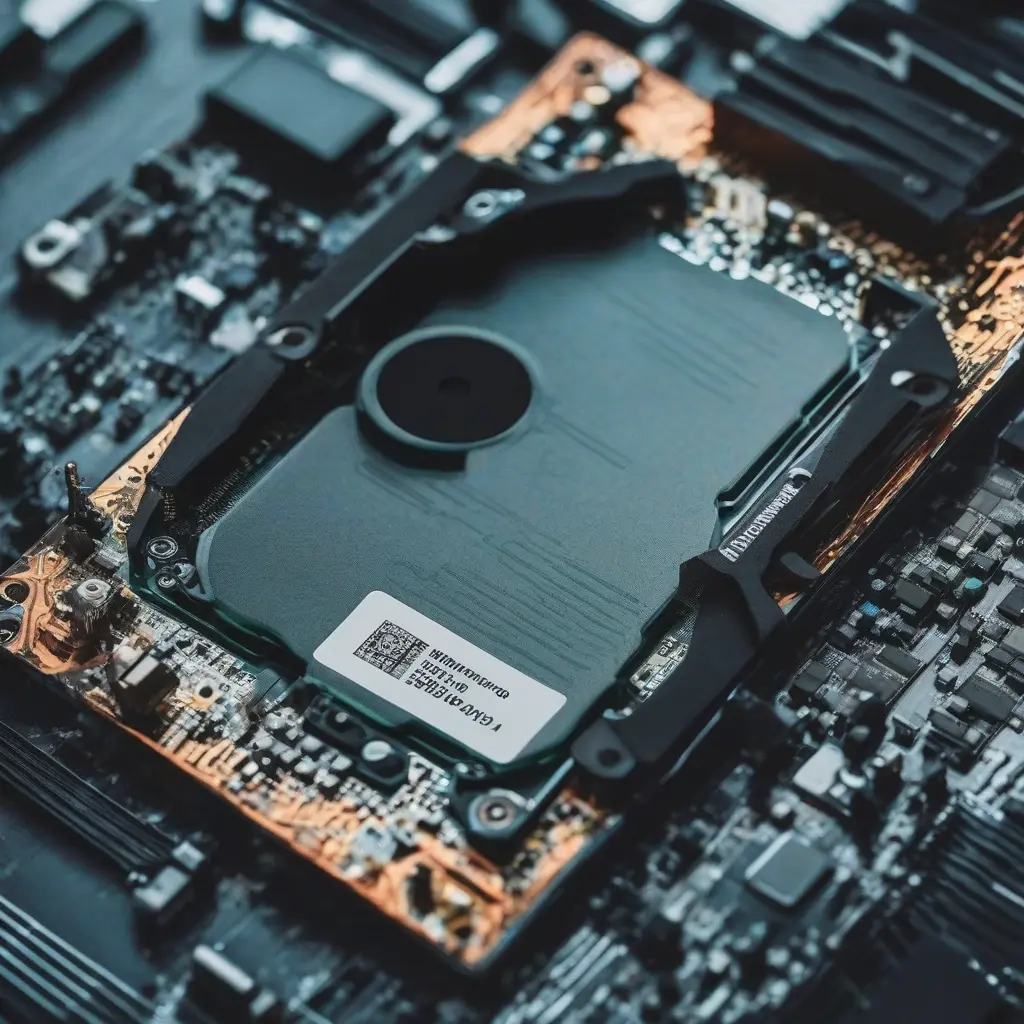
When considering an upgrade for your computer’s storage, understanding the differences between Solid State Drives (SSDs) and Hard Disk Drives (HDDs) is crucial. Both types of drives serve the same fundamental purpose but differ significantly in their performance, durability, and overall efficiency. While HDDs have been a reliable choice for many years due to their larger storage capacities and lower costs, SSDs have emerged as the preferred option for speed and performance. In this article, we will explore these differences to help you make an informed decision for your storage upgrade.
What is an SSD?
A Solid State Drive (SSD) uses flash memory to store data, which allows for quick data access and retrieval. Unlike a Hard Disk Drive (HDD), which relies on spinning disks and mechanical parts, an SSD has no moving components. This design not only contributes to faster boot-up times and application launches but also makes SSDs more resistant to physical shock and damage. They are particularly beneficial for users who require high performance, such as gamers or those working with large files in graphic design and video editing.
What is an HDD?
A Hard Disk Drive (HDD) is a traditional storage device that uses spinning magnetic disks to read and write data. This mechanical process results in slower data access speeds compared to SSDs. Although HDDs are more affordable for larger storage capacities and have been the standard choice for personal computers for decades, they are more susceptible to physical damage due to their moving parts. Users looking for budget-friendly options or those needing significant storage space often opt for HDDs, particularly for backup purposes.
Performance Comparison: Speed and Efficiency
In terms of speed, SSDs outperform HDDs significantly. SSDs can provide read and write speeds of up to 500 MB/s and beyond, while traditional HDDs generally offer speeds of around 80 to 160 MB/s. This striking difference means that computers equipped with SSDs boot up quicker, load applications faster, and handle multiple tasks with greater efficiency. This enhanced speed is particularly beneficial for video editing, gaming, and other resource-intensive activities, making SSDs a compelling option for those who prioritize performance.
Cost Comparison: Which is More Affordable?
When it comes to cost, HDDs typically offer a more budget-friendly option for those seeking high storage capacities. On average, HDDs can provide larger storage at a lower price per gigabyte compared to SSDs. However, SSD prices have been declining, making them increasingly accessible. Depending on the required storage size, users must evaluate their primary need: is it speed or capacity? If budget is a constraint, an HDD may be the more sensible choice, while users with performance needs may invest more in an SSD.
Durability and Longevity of SSDs vs HDDs
SSDs boast higher durability due to their lack of moving parts, making them less prone to mechanical failures. This resilience makes SSDs ideal for portable devices like laptops, where travel and handling can pose risks. Conversely, HDDs can suffer from wear and tear over time, particularly if subjected to physical shocks or drops. While both types of drives can experience failures, SSDs are generally considered more reliable for long-term usage, especially in demanding environments where durability is paramount.
Storage Capacity: What Do You Need?
In terms of storage capacity, HDDs still lead the market. They are available in sizes ranging from hundreds of gigabytes to several terabytes, making them ideal for users who store large amounts of data, such as videos, games, and databases. On the other hand, SSD capacities have improved, with options reaching up to 8 terabytes or more. However, for the same amount of money, users often get more storage with HDDs. Therefore, assessing your storage needs can help determine which type of drive is the best fit for you.
Use Cases: When to Choose SSD or HDD
Choosing between an SSD and an HDD depends on your specific use case. If you are a gamer, video editor, or professional requiring fast data access, an SSD is likely the best choice. The performance benefits make everyday tasks smoother and more efficient. However, if you are looking for a cost-effective solution for bulk data storage, such as for photographs, backups, or less frequently accessed files, an HDD may be more suitable. Understanding your primary usage can dramatically influence your decision.
Hybrid Drives: The Best of Both Worlds
For users seeking a compromise between performance and storage capacity, hybrid drives (SSHDs) offer a solution combining both SSD and HDD technology. These drives utilize both flash storage and spinning disks, allowing for faster access to frequently used files while providing substantial overall capacity. The operating system and applications are typically stored in the SSD portion, while larger files reside on the HDD. This arrangement can optimize performance without sacrificing the affordability of larger storage space.
Future Trends in Storage Technology
As technology continues to evolve, the differences between SSDs and HDDs are becoming increasingly pronounced. SSDs are expected to dominate the market due to their superior speed and reliability, particularly as prices continue to drop. Emerging technologies, such as NVMe (Non-Volatile Memory Express), are also enhancing SSD performance. In contrast, HDDs are still relevant, especially for archival storage and environments where cost is a significant concern. Keeping abreast of these trends will equip consumers to make informed decisions as new products are introduced.
Conclusion
Ultimately, the decision between an SSD and an HDD boils down to your specific needs and budget. SSDs provide speed, durability, and efficiency, making them ideal for performance-oriented tasks. On the other hand, HDDs are cost-effective and offer larger storage capacities, making them suitable for data storage and backups. By understanding the strengths and weaknesses of both options, you can choose the right storage solution that aligns with your technology requirements and lifestyle.







