In today’s fast-paced digital world, ensuring your device maintains optimal battery life is crucial for performance and convenience. Whether you’re using a smartphone, tablet, or laptop, understanding effective techniques for battery optimization can significantly enhance longevity. This article delves into practical strategies designed to extend battery life, covering settings adjustments, app management, and other useful practices. Implementing these tips can not only enhance device efficiency but also reduce the frequency of charging, giving you more freedom and flexibility throughout your day.
Understanding Your Battery’s Health
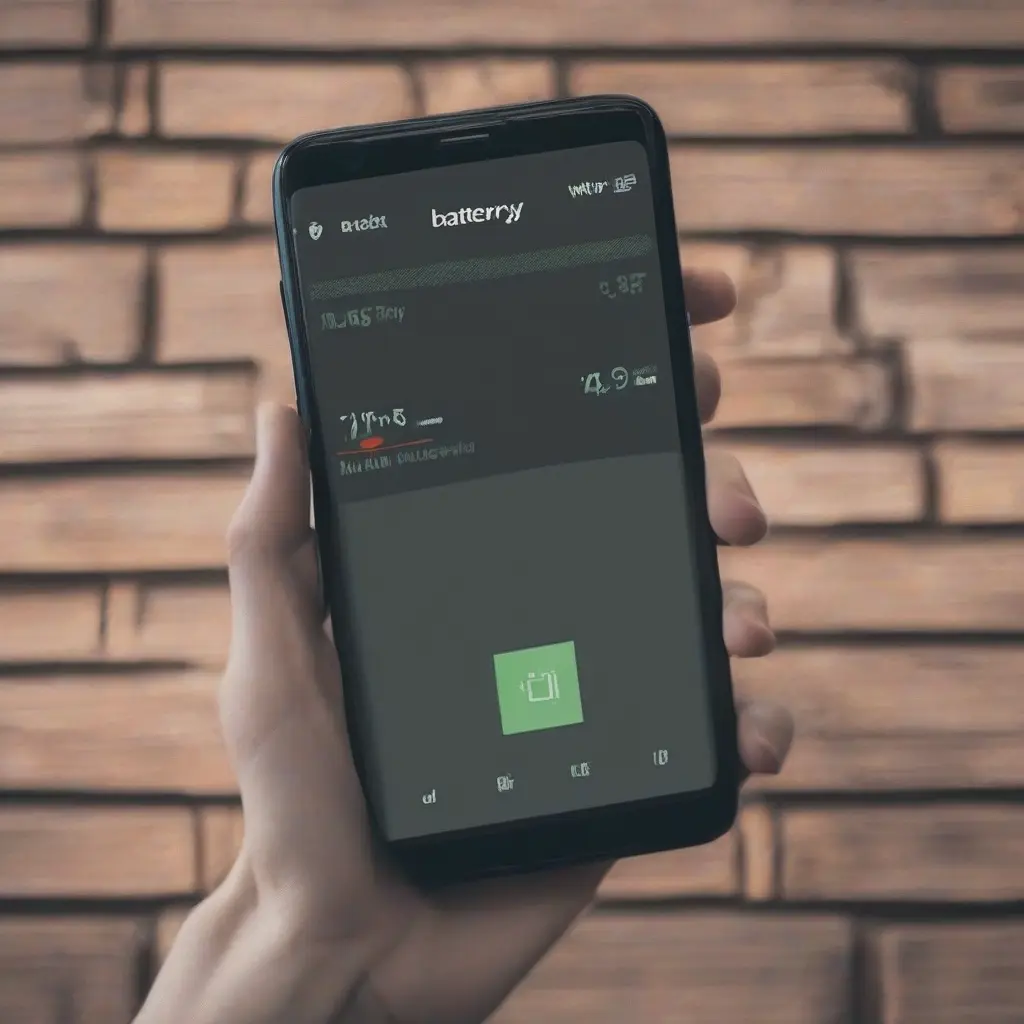
Before diving into optimization techniques, it’s essential to grasp your battery’s health. Battery age, charge cycles, and environmental factors can all impact its performance. Manufacturers often provide software tools to assess battery health, allowing users to identify issues early on. Monitoring your device’s battery statistics can guide your optimization efforts. A well-maintained battery can exhibit a longer lifespan, which means fewer interruptions in your daily routines and less stress about charging. Regular checks can alert you to any degradation that might require professional attention.
Adjusting Display Settings
One of the most effective ways to conserve battery life is by adjusting display settings. Reducing screen brightness and shortening the screen timeout duration can have a significant impact on battery consumption. Many devices feature an automatic brightness adjustment, which can help maintain optimal visibility while conserving energy. Additionally, consider switching to dark mode if your device supports it, as darker backgrounds consume less power on OLED and AMOLED screens. These small adjustments can lead to noticeable improvements in battery longevity.
Managing App Usage
Apps often run in the background, consuming valuable battery resources even when they are not actively in use. To optimize battery life, periodically review and manage your app usage. Close or uninstall unnecessary applications and check app-specific settings to limit background activity. Some devices allow you to manage app permissions, which can help restrict access to GPS or network connectivity when not needed. Using device-specific tools to monitor app performance can also help identify battery-heavy apps, allowing for informed decisions on usage.
Utilizing Battery Saver Mode
Most devices today are equipped with a ‘battery saver’ or ‘power saving’ mode designed to extend battery life during critical times. This mode typically reduces performance and limits background processes. Enabling battery saver mode can be particularly useful when your charge is low and you need your device to last longer. Familiarize yourself with your specific device’s power-saving features to maximize efficiency. Activating these features during times of low battery can prolong usage significantly without needing to charge frequently.
Keeping Software Updated
Outdated software can lead to decreased efficiency and increased battery consumption. Regularly updating your device’s operating system and applications helps ensure optimal performance. Updates often include bug fixes that can address battery drainage issues and may optimize power management features. Setting your device to update automatically can relieve you of the hassle and ensure you benefit from the latest improvements. Keeping software current not only secures your device but also enhances battery performance, providing a smoother user experience.
Disabling Unused Connectivity Features
Wi-Fi, Bluetooth, and location services can drain your device’s battery, especially when left on continuously. Disabling these connectivity features when not in use is a straightforward way to conserve energy. While traveling or in areas without connectivity, consider turning off Wi-Fi and Bluetooth. Additionally, using GPS services only when necessary can significantly reduce battery consumption. Many smartphones feature quick-access toggles for these functions, allowing you to disable them easily and extend battery life effortlessly.
Controlling Background App Refresh
Background app refresh allows apps to update content while not actively being used, which can contribute to battery drain. To optimize your device’s battery life, consider restricting this feature selectively. Most devices offer settings that enable you to manage which apps can refresh in the background. Turning off background app refresh for less critical applications can keep battery consumption in check. This adjustment typically results in a more efficient device that conserves energy, ensuring that essential apps remain accessible without using unnecessary power.
Using Battery Optimization Apps
There are numerous battery optimization apps available that can assist in managing battery usage effectively. These applications typically analyze your device’s performance and provide specific recommendations on extending battery life. Features often include battery usage statistics, tips for power management, and options for customizing settings. While many devices come with built-in battery optimization tools, third-party apps might offer enhanced functionality. Investigating user reviews and feature details can help you choose an app that suits your needs and enhances battery longevity.
Avoiding Extreme Temperatures
Temperature can significantly influence a battery’s performance and lifespan. Extreme heat or cold can lead to diminished battery efficiency and even permanent damage. Keeping your device within a moderate temperature range while in use is advisable. Avoid leaving devices in hot cars or exposing them to freezing conditions for extended periods. Being mindful of environmental factors can aid in preserving battery health over time, ensuring your device operates effectively regardless of external conditions.
Conclusion
Optimizing your device’s battery life is essential for maintaining productivity and convenience in your daily life. By understanding battery health, adjusting settings, and managing applications, you can extend the time between charges while enhancing overall performance. Implementing these tips can lead to a more efficient device, reducing the need for frequent charging and allowing you to enjoy uninterrupted use. Remember that simple adjustments can make a significant difference, contributing to a better user experience and longer-lasting battery life.