

Setting up a smart home system using Google Home can enhance convenience and improve your quality of life. With a range of compatible smart devices available in India, beginners can easily embark on this journey. This guide will walk you through the essentials of creating a smart home ecosystem, covering everything from choosing the right devices to troubleshooting common issues. By the end, you will be confident in managing a cohesive, technologically advanced home.
Understanding Google Home
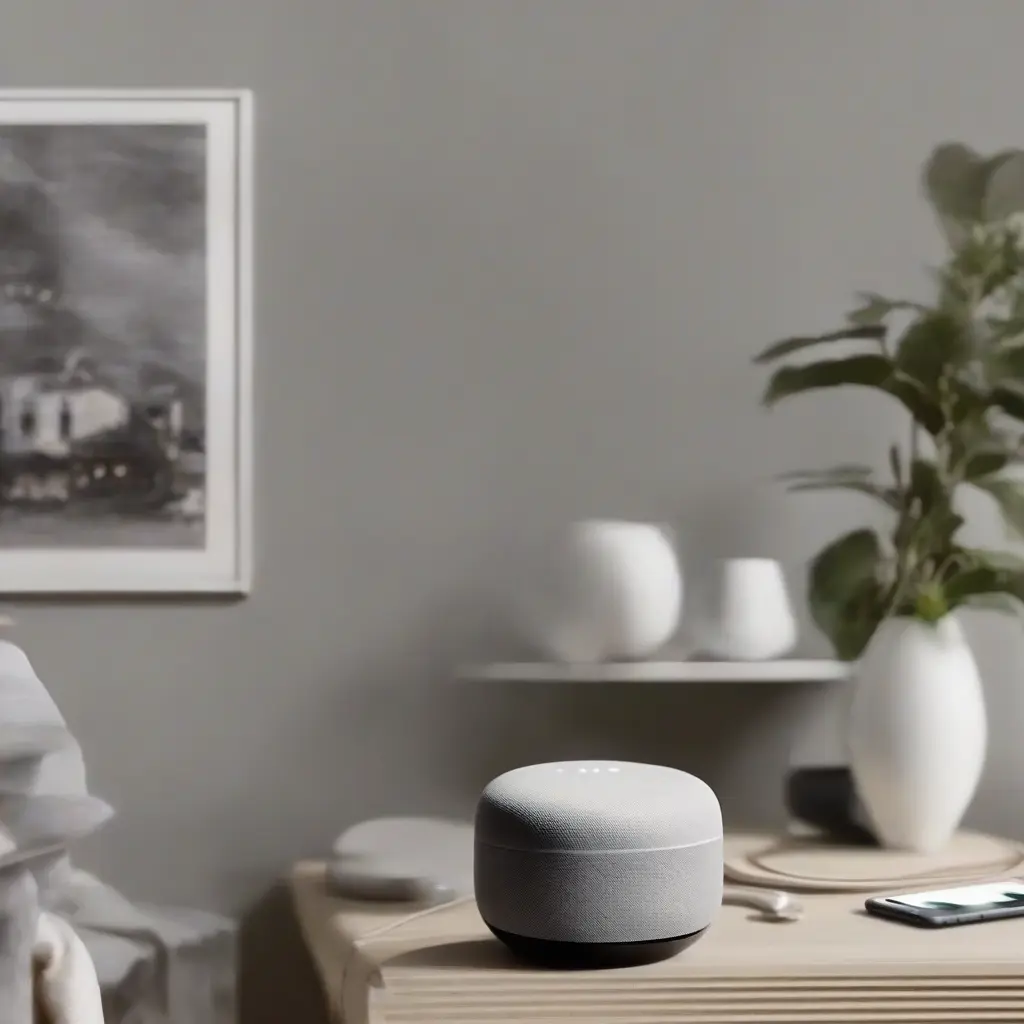
Google Home is a voice-activated speaker powered by Google Assistant, offering numerous features to simplify daily tasks. It allows you to control smart devices, play music, and provide real-time information, all via voice commands. For beginners, understanding the capabilities of Google Home is crucial. With its compatibility with various smart devices, Google Home serves as a central hub, making it easier to manage lighting, thermostats, and security systems from a single interface.
Choosing the Right Smart Devices
Selecting compatible smart devices is a fundamental step in setting up your smart home system. In India, you can find smart bulbs, plugs, cameras, and thermostats that work seamlessly with Google Home. Ensure that the devices you choose support Google Assistant and are available in India. Popular brands include TP-Link, Philips Hue, and Nest. Researching product reviews and specifications will help you make well-informed decisions and ensure optimal compatibility.
Setting Up Google Home
To start using Google Home, you’ll first need to set it up physically and connect it to your Wi-Fi network. Plug in the device and download the Google Home app available on Android and iOS. After creating or signing into your Google account, follow the prompts in the app to connect your Google Home to your Wi-Fi. This connection allows your smart devices to communicate with the Google Assistant, establishing the backbone of your smart home ecosystem.
Integrating Smart Devices
Once Google Home is set up, the next step is integrating your smart devices. Open the Google Home app, tap on the ‘+’ icon, and select ‘Set up device.’ Choose ‘Works with Google’ to view available brands. Simply follow the prompts to link your devices to Google Home. After integration, you can assign each device to specific rooms, making it easier to manage multiple devices with simple voice commands such as ‘Hey Google, turn on the living room lights.’
Creating Routines
Creating routines is one of the most powerful features of Google Home. Routines allow you to automate multiple actions with a single command. For example, you can create a ‘Good Morning’ routine that adjusts the thermostat, turns on lights, and starts a coffee maker. To set this up, navigate to the ‘Routines’ section in the Google Home app, choose actions, and designate a trigger phrase. This feature can enhance convenience and help streamline your daily routines.
Voice Commands and Control
Voice control is at the heart of the Google Home experience. You can issue various commands to manage your smart home easily. Basic commands include adjusting lights, setting reminders, and asking for weather updates. Regularly exploring voice commands not only makes tasks easier but also helps in discovering new features. Google continually updates its voice recognition capabilities, making interaction smoother and more intuitive for users.
Ensuring Security
Security is crucial in any smart home setup. When using Google Home, prioritize securing your devices and network. Change default passwords on your smart devices and ensure your Wi-Fi network is protected with a strong password. Additionally, enable two-factor authentication on your Google account for added security. Regularly updating the firmware of your devices can further protect against vulnerabilities, helping to safeguard your smart home system.
Troubleshooting Common Issues
Beginners may encounter several common issues while setting up their smart home systems. Problems like device connectivity, unresponsive voice commands, or integration challenges are typical. The Google Home app provides troubleshooting guides, and many device manufacturers have support resources available online. Additionally, restarting your devices and router can often resolve connectivity issues quickly, enabling a smoother experience.
Expanding Your Smart Home
As you become more comfortable with your initial setup, consider expanding your smart home ecosystem over time. There are countless smart devices available, including advanced options like smart locks, irrigation systems, and security cameras. Regularly researching new products and updates in the smart home industry will keep your system modern and fully functional. An expanded ecosystem not only improves convenience but can also enhance energy efficiency throughout your home.
Conclusion
In conclusion, setting up a smart home system using Google Home can dramatically enhance daily living. By carefully selecting compatible devices, mastering voice commands, and creating routines, beginners can create a fully integrated smart home. As technology continues to evolve, embracing these innovations allows for a more convenient, efficient, and secure home environment, making life easier and more enjoyable.







